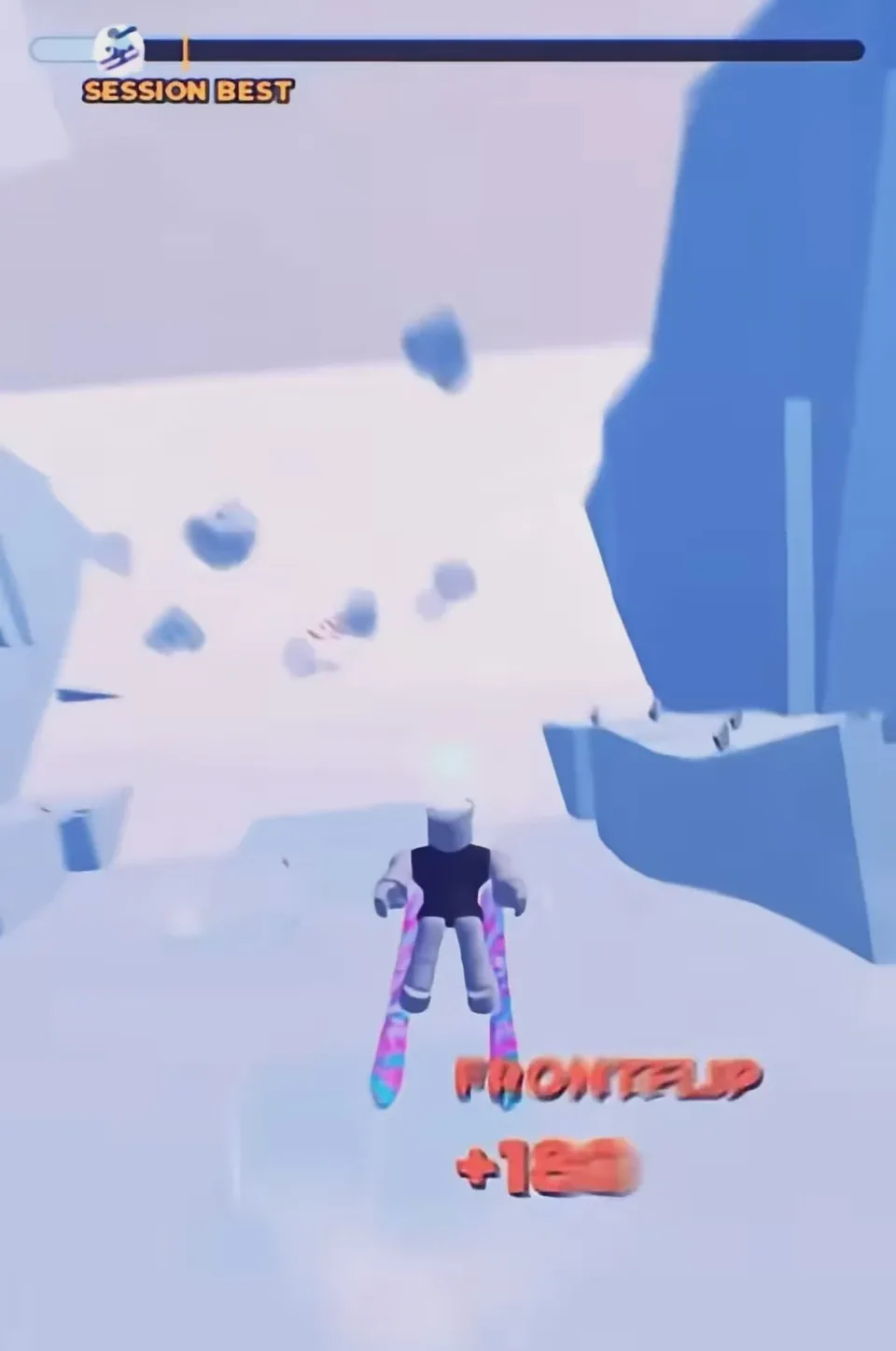
The Roblox listing prints the control list. Extra prompts show up when you stand at a stall. Trick names beyond the input buttons live in the in-game Tricks tab, so this page does not invent a full trick dictionary.
Movement, jump, and camera
| Action | Keyboard | Mobile | Controller |
|---|---|---|---|
| Ski / steer | W A S D or arrow keys | On-screen controls | Left stick |
| Jump | Space | Jump button | A |
| Camera / first person | Scroll wheel | Pinch | Click the right stick |
| Trick | Double-tap W, A, S, or D, or press Q or E | Swipe the right side of the screen, or hold / double-tap jump | D-pad or X |
At a skin stand, gameplay footage shows E for buy and Q for gift. At the Skins & Crates platform, E is also described as the Crate Shop Open prompt. Q is a trick key in the air and a gift key at a stand, so look at the on-screen prompt before you press it.
Sportskeeda lists E as the general interact key. Use the prompt text if a stall disagrees with a generic bind.
How trick inputs are scored
Double-tap a direction, or use Q / E, after you have left the ground. Footage of clean landings shows stacked callouts such as FRONTFLIP +180 and SWITCH +270. Those are examples from a run, not a published list of every trick value.
The profile menu has a Tricks tab. Use that list for the names the current build actually recognizes. A Settings toggle labeled TRICKS defaults to on. Turning it off blocks trick inputs and leaves steering and jumping working. That is the practical fix when a double-tap keeps rotating you into a crash.
A short practice order
- Ski a straight section with only steer and camera.
- Jump a small lip with no trick input and land in the same direction you took off.
- Add one double-tap or one Q / E press, then recenter before the snow.
- Chain a second input only after the first landing is reliable.
Mouse Steering is off by default. Turning it on lets the mouse steer while A and D still work. Leave it off until the keyboard line feels predictable.
Landing tells
A clean touchdown can show a large perfect-landing bonus. A clumsy one shows BAD LANDING +0, which adds nothing and cuts the combo. Stop the rotation before the ground. The points already awarded for the takeoff do not require you to hold the trick all the way down.